Live Help Screenshots
You can see many features of the Live Help Messenger application below. Simply click each image to view the various screenshots.
Live Help Messenger Windows application
The Live Help Messenger application offers a fully functional Windows interface and provides extended functionality over using web-based Live Help solutions. The Live Help Messenger application is available to download in the customer area.
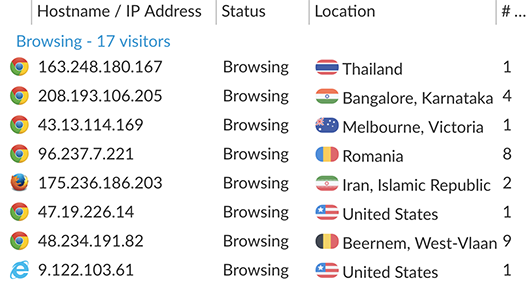
As you chat with your site visitors, you are able to see the web pages they visit as shown below in the Site Visitors Alert screenshot. You are also able to easily switch between chatting visitors if you are chatting to more than one visitor at the same time.
 Chat Window - Site Visitor Alerts
 Chat Rating Alerts / Integrated Smilies / Tabbed Message Alert
When using the Live Help Operator Windows application you are also able to easily send the chatting visitor files and images. The file transfer feature is shown below and is very useful if you need to send the visitor a screenshot as a visual aid. Supports Windows Vista and Windows 7 only.
 File Transfer - Transferring Image to Chatting Visitor
Site Visitor's Live Help Window
The Live Help Messenger Server Software will allow your web site visitors to chat to your Live Help operators without installing any additional software. The site visitor section of our Live Help system is developed using PHP, MySQL and JavaScript. By using these technologies your site visitors are not required to install any additional software such as Java, ActiveX or Flash plug-ins. Simply your web site visitors can click the Live Help button on your web site and begin chatting with your operators.
.. your site visitors do not install any software..
Your site visitors do not require any additional software to chat with your Live Help operators. Our Live Help software solution allows your visitors to chat directly with your operators through their web browser.
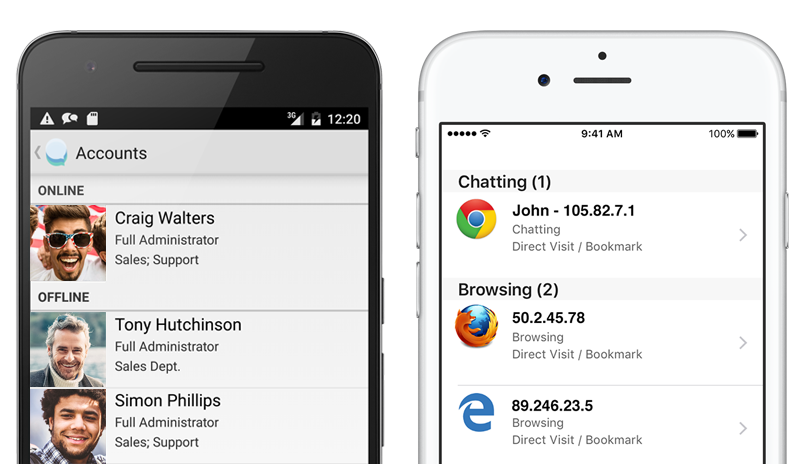
Mobile App Support - iPhone and Android
Live Help supports both iPhone and Android native mobile apps. The Live Help mobile apps will allow you to chat to your site visitors from your mobile device. You will also be able to monitor your browsing web site visitors and accept incoming chat requests from your web site visitors right on your phone. Pricing for the iPhone App add-on starts at US$14.99 and the Android App at US$19.95.
Completely Customizable
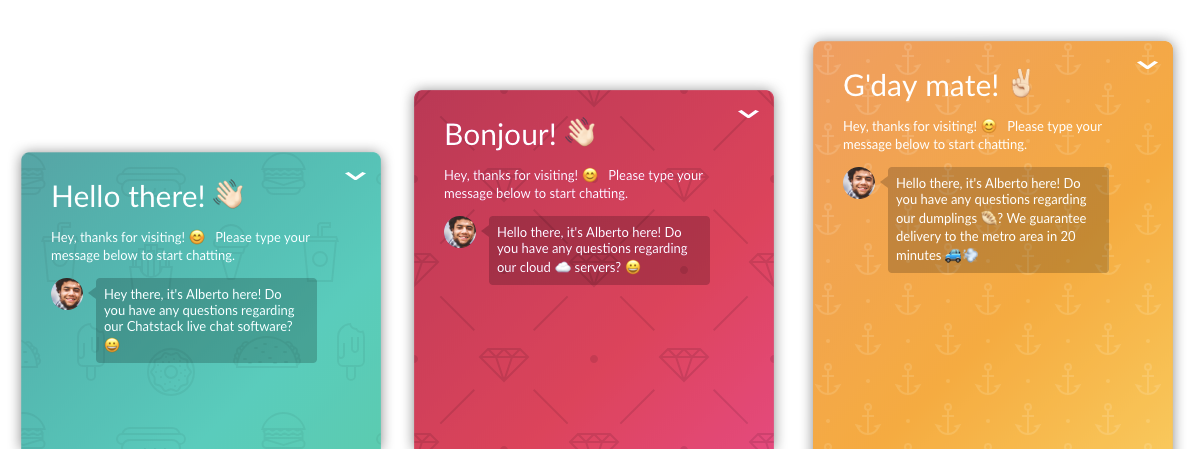
You can customize various parts of the Live Help site visitor window from within the Live Help Settings. Settings such as the Company Logo, Campaign Link / Logo, Online / Offline status images, and font type/size can be adjusted when logged into the Live Help Administration. In addition to this you can customize the Live Help style sheets for advanced adjustments.
Highlighted below illustrates various key sections that can be easily customized within the settings.
 Live Help - Site Visitor Chat Window
Custom Design Example
Below is a screenshot that shows the full customisation that is possible with Live Help. The images and CSS styles have been modified to match the web site exactly. The business has also purchased the Copyright Line / Link Removal option so that no link is shown at the bottom of the chat window.
Fully Customizable Chat Window - Match your web sign design exactly. Image Courtesy: Kids Bedding Dreams
 |
Easily add Live Help chat to your web site |
 |
Customers can easily send smilies/emoticons, |
 |
Fully customisable chat window including images, CSS styles etc. |
 |
Simple and easy to use, fully featured application |
Web-Based Live Help Administration Application
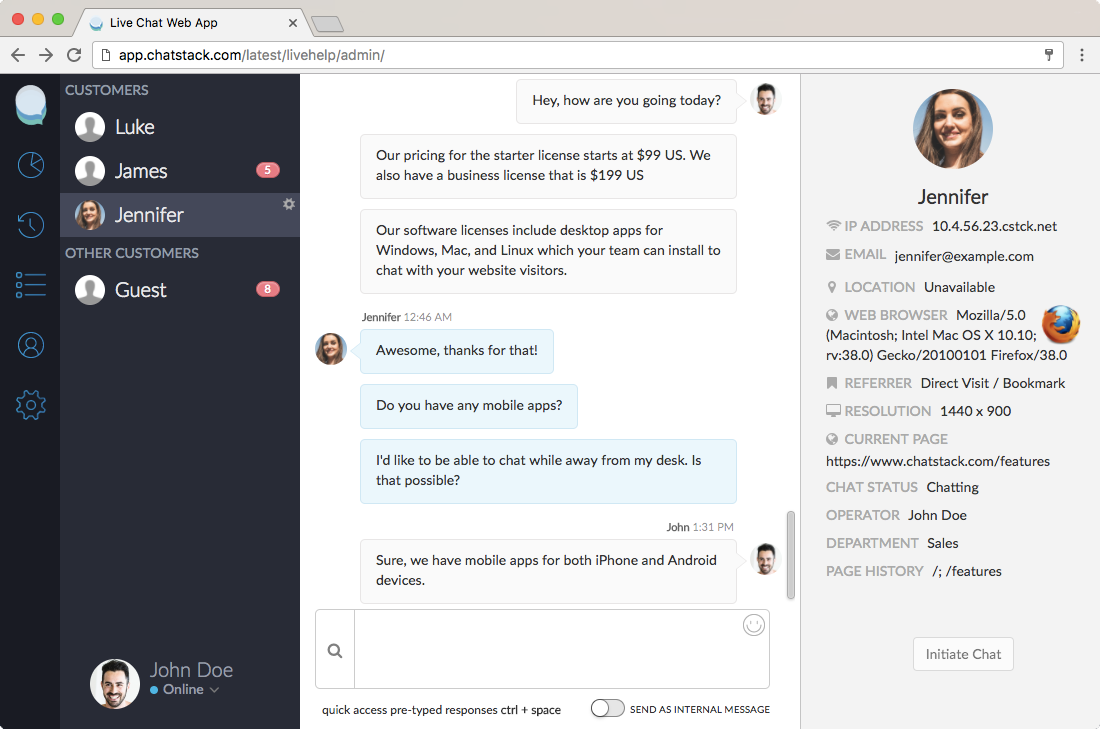
In addition to the Live Help Messenger Windows application, our Live Help software also features a web-based administration. This allows your Live Help operators to chat to your site visitors using a web browser. We highly recommend that your operators install the Live Help Messenger Windows application as it provides increased functionality when chatting with site visitors.
|