
You can easily install the Chatstack Windows application using the installation wizard. You can download the latest Windows application by clicking here.
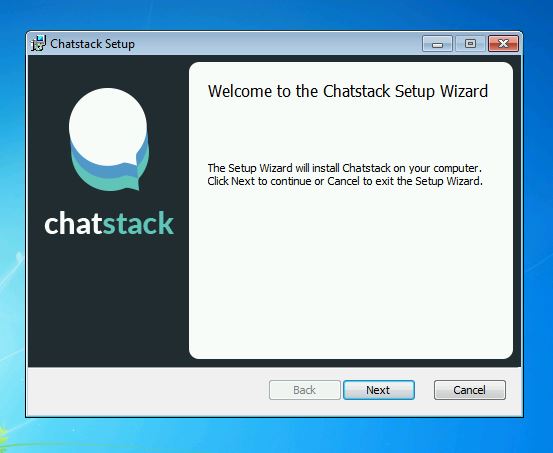
The Chatstack Windows application requires the Microsoft .NET Framework 4.5, if not already installed on your computer then the installation wizard will prompt you to install the framework. If the installation doesn’t proceed then you may need to run the Setup.exe as a Full Administrator by right clicking on the installation and then running the installation. The Chatstack installation wizard is shown below.
When you open the Chatstack application you will be ready to sign-in. You do not need to configure any settings before you can sign-in to the Chatstack administration. When you first attempt to sign-in to the Chatstack Windows app you will be presented with the following window.
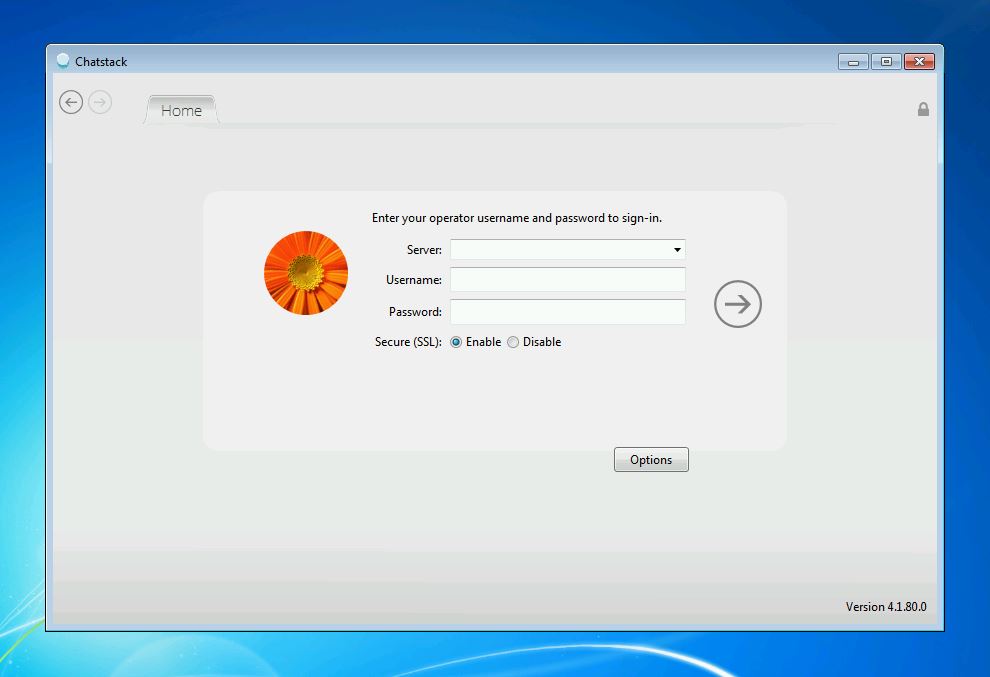
You will need to enter your account, username and password to access the Chatstack system, these are described below.
Account or Server: If the Chatstack server software is installed at http://www.yourdomain.com/livehelp/ then your account or server would be entered as www.yourdomain.com
Username / Password: The default username and password is configured when you complete the Chatstack installation at /livehelp/install/index.php The Chatstack operator username and passwords are case-sensitive.
Secure (SSL): You can login to the Chatstack administration via. SSL if your installation is accessible at https://www.yourdomain.com
When you attempt to login to the Chatstack Windows app in the future you will only be prompted for your password. The Windows app will remember your server and username and you will only be required to enter your password.
Web Based Administration
You can also login to the Chatstack web-based administration using your web browser at /livehelp/admin/index.php The web-based administration allows your operators to access the Chatstack system from any computer. We recommend that you use the latest web browser so that you will be able to access all the latest functionality.
